Look and Sound Better on Video Calls
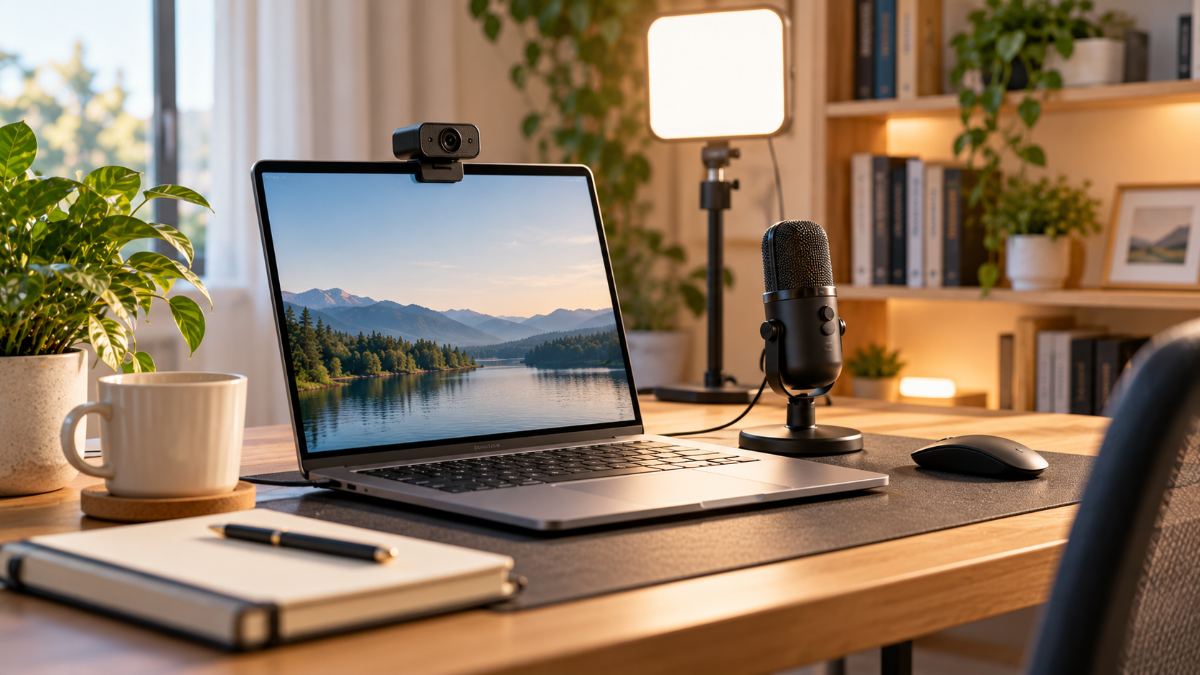
For remote workers, video calls are the new first impression. The good news: the biggest improvements are cheap, and some are free.
How this guide was made. Research-based: this guide draws on official documentation, pricing pages and published independent guidance. I have not lab-tested the products in this category, and nothing here is presented as hands-on testing. Our research process.
Fix the free things first
- Camera at eye level. Raise your laptop on a stand or a stack of books so you're not looking down at the lens.
- Face the light. Sit facing a window, not with your back to it. Backlighting turns you into a silhouette.
- Tidy the background. A plain wall or a neat shelf looks more professional than a blurred virtual background.
- Close noisy apps and turn off notification sounds before the call.
Audio matters more than video
People tolerate a slightly soft image, but they quickly tire of echoing or muffled sound. If you upgrade only one thing, make it your microphone.
Headset
A headset with a boom microphone keeps the mic close to your mouth and blocks echo. It's the most reliable option in noisy homes.
USB desk microphone
Gives a richer, more natural sound and frees your head from a headset. It works best in a quiet room; soft furnishings help reduce echo.
When a webcam upgrade is worth it
Built-in laptop cameras have improved, but many still struggle in low light. An external webcam helps if you present often, record videos, or your laptop camera is positioned awkwardly. Look for:
- 1080p resolution – higher is rarely needed for calls;
- good low-light performance and automatic exposure;
- a mount that clips onto a monitor;
- a privacy shutter.
Lighting
A small desk light or ring light placed behind your screen and slightly above eye level gives soft, even light on your face. Warm-to-neutral colour temperature looks most natural.
A budget upgrade path
| Step | Upgrade | Impact |
|---|---|---|
| 1 | Raise camera, face the window | High, free |
| 2 | Headset or USB microphone | Very high |
| 3 | Small key light | High |
| 4 | External webcam | Medium |