How to Choose a VPN for Remote Work
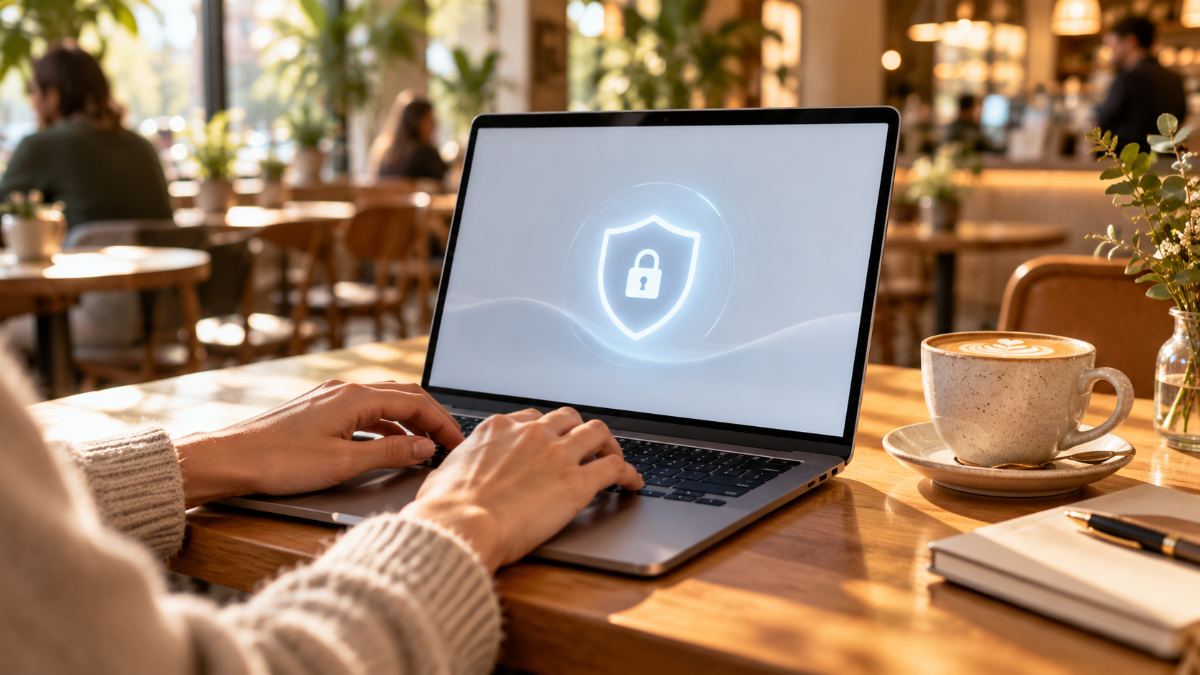
A VPN won't make you invisible, but it does solve one very real problem for remote workers: keeping your traffic private on networks you don't control.
How this guide was made. Research-based: this guide draws on official documentation, pricing pages and published independent guidance. I have not lab-tested the products in this category, and nothing here is presented as hands-on testing. Prices in the comparison were copied from each provider’s pricing page on October 30, 2026; audit details come from provider announcements and press coverage. Our research process.
What a VPN actually does
A virtual private network creates an encrypted tunnel between your device and a server run by the VPN provider. Anyone sitting between you and that server – the owner of a café Wi-Fi network, a hotel, or someone snooping on the same network – sees only scrambled data. Websites you visit see the VPN server's IP address instead of yours.
What a VPN does not do is just as important. It doesn't stop you from logging into a phishing site, it doesn't remove malware, and it doesn't hide your activity from the websites you sign in to. Think of it as one layer of protection, not a complete security plan.
Do you need one?
You'll get the most value from a VPN if you regularly:
- work from coffee shops, co-working spaces, airports or hotels;
- travel and need consistent access to services from your home country;
- share a home network you don't fully trust.
If your employer already provides a corporate VPN, use that for work systems. A personal VPN is for everything else.
The five criteria that matter
1. A clear, audited no-logs policy
The provider can technically see your traffic metadata, so trust matters more than any feature. Look for a published privacy policy that states plainly what is and isn't logged, and ideally an independent third-party audit of that claim.
2. Modern protocols
WireGuard and OpenVPN are the current standards. WireGuard is generally faster and lighter on battery, which matters if you're on a laptop all day. Avoid services that only offer older protocols such as PPTP.
3. A kill switch
If the VPN connection drops, a kill switch blocks internet traffic until it reconnects, so your data never leaks over the open network. For remote work this is non-negotiable.
4. Speed and server locations
Video calls and large file uploads suffer on a slow connection. Choose a provider with servers near where you actually work, and use the free trial or money-back period to test speed on your own connection at your busiest time of day.
5. Device support
Check how many devices can connect at once and whether there are proper apps for every system you use: laptop, phone and tablet.
Free vs paid
Running a global server network is expensive. Free VPNs typically cover their costs with strict data caps, slow speeds, ads, or in the worst cases by collecting and selling usage data. For work use, a reputable paid service is usually worth the modest monthly cost. Longer plans are cheaper per month, but test a short plan first.
Quick checklist
| Question | What you want to see |
|---|---|
| Is there an independent audit? | Yes, published within the last few years |
| Which protocols? | WireGuard and/or OpenVPN |
| Kill switch? | Yes, on every platform you use |
| Refund policy? | At least 30 days, no complicated conditions |
| Simultaneous devices? | Enough for laptop, phone and one spare |
Four VPNs compared on the criteria above
These are the entry-level plans of four widely used VPNs. Prices come from each provider’s pricing page on October 30, 2026; audit details come from the providers’ announcements and independent coverage of them. Prices often depend on country and exclude tax.
| Provider & plan | Advertised price | First bill | Renews at | Devices | Most recent independent review I found | Refund window |
|---|---|---|---|---|---|---|
| ExpressVPN Basic | $2.99/mo | $83.72 for the first 28 months | $99.95/year | 10 | KPMG assessment of its privacy-policy claims (reported in 2025) | 30 days, new customers |
| Surfshark Starter | $2.49/mo | $67.23 for the first 27 months | Not shown on the pricing page | Unlimited | Second Deloitte no-logs assurance report (published 2025) | 30 days |
| Proton VPN Plus | $3.49/mo | $83.76 for the first 24 months | $83.88/year | 10 | Securitum no-logs audit, August–September 2025 | 30 days |
| Mullvad | €5/mo, same on any term | €5 per month you buy | €5/mo | 5 | Several in 2024–2025, including Assured (web app) and X41 D-Sec (account and payment systems) | 14 days |
Proton VPN also has a free plan: one device, servers in 10 countries and, according to Proton, no data cap. It’s a reasonable way to see whether a VPN fits your routine before paying.
Reading the table
- Look past the monthly figure. The low prices assume a two-year prepayment or longer. ExpressVPN and Surfshark add bonus months, which is why their first bill covers 27–28 months.
- Check the renewal. ExpressVPN renews at $99.95 a year, well above its first-term rate. Proton states its renewal clearly. Surfshark’s renewal price was not on its pricing page, so look up its pricing terms before committing.
- Mullvad is the simplest model: one flat price, no long contract, and you sign up with a generated account number instead of an email address. The trade-off is a shorter 14-day refund window and fewer devices.
- Audits differ in scope. A no-logs audit checks whether a provider records your activity; a security audit checks apps or servers for vulnerabilities. Both are useful, and neither guarantees the future – prefer providers that repeat them.
NordVPN is also popular, but its pricing page didn’t load when I checked, so I left it out rather than quote figures I couldn’t confirm. I haven’t speed-tested these services: use the refund window to test on your own connection during your busiest working hours.
Bottom line
Pick a provider with a trustworthy track record, a kill switch and modern protocols, then test it on your real connection before committing to a long plan. Pair it with a password manager and two-factor authentication for a much safer remote setup.